
Wedding Planning Spreadsheet Template for Indian Weddings
Build a wedding planning spreadsheet for an Indian wedding with 10 practical tabs for budget, guests, vendors, events, approvals, and payments.
A practical wedding planning spreadsheet template for multi-event Indian weddings, including the tabs, columns, owners, and update rules that keep families and vendors aligned.
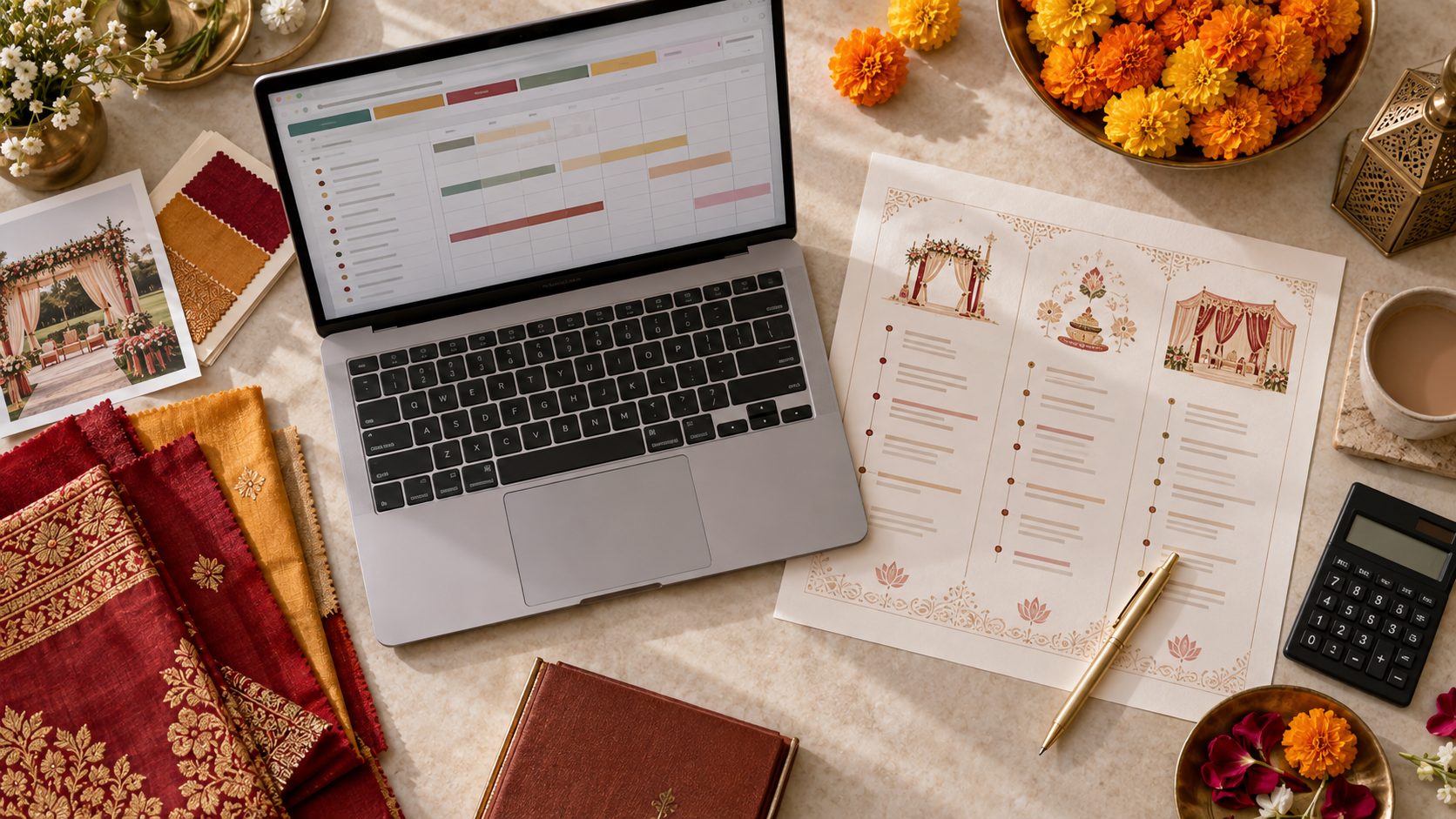
An Indian wedding can produce hundreds of moving parts across guests, vendors, ceremonies, rooms, vehicles, payments, and two families. Put everything in one giant checklist and the urgent tasks disappear inside it. Split everything across WhatsApp chats and nobody knows which version is final.
This wedding planning spreadsheet template fixes that with one workbook and 10 focused tabs. The fast rule is simple: every actionable row needs one event, one owner, one deadline, and one status. Build those four fields first, then add detail only where it helps someone make or execute a decision.
What is a wedding planning spreadsheet?
A wedding planning spreadsheet is a shared workbook that organises the budget, guest list, event schedule, vendors, payments, accommodation, transport, approvals, and communication for a wedding. It turns scattered information into assigned actions and gives the planning team one current source of truth.
A wedding planning spreadsheet template is a reusable workbook structure, not a single long checklist. For a multi-event Indian wedding, separate tabs keep specialist information usable while shared IDs—such as guest, vendor, and event names—connect the plan.
Which tabs should an Indian wedding spreadsheet include?
Use 10 core tabs: Dashboard, Events, Tasks, Guests, Budget, Vendors, Payments, Rooms and Transport, Approvals, and Communication. This is enough to control most weddings without creating a workbook so complicated that the family stops updating it.
| Tab | What it controls | Most important fields | | --- | --- | --- | | Dashboard | Overall progress and urgent decisions | Owner, next deadline, red flags | | Events | Haldi, mehendi, sangeet, wedding and reception | Date, venue, start time, guest count | | Tasks | Every action across the wedding | Event, task, owner, due date, status | | Guests | Invitations, RSVP and attendance by event | Household, contact, event attendance, needs | | Budget | Planned versus committed spending | Category, estimate, quote, actual, payer | | Vendors | Commercial and operational details | Contact, scope, contract, arrival time | | Payments | Deposits and balance dates | Vendor, amount, due date, proof, status | | Rooms and Transport | Guest logistics | Guest ID, hotel, route, vehicle, timing | | Approvals | Decisions that must close before execution | Item, version, approver, deadline, proof | | Communication | Messages guests must receive | Audience, channel, send date, owner, status |
Start with these tabs even if some remain small. A clear empty tab is better than hiding room allocations inside the guest-list Notes column.
How should the master dashboard work?
The dashboard should show only what needs attention: the next 14 days of deadlines, overdue tasks, unpaid amounts, pending approvals, guest-count gaps, and event-level red flags. It should help the planner run a meeting in five minutes, not duplicate every row in the workbook.
Include these dashboard blocks:
- Next seven and 14-day deadlines.
- Tasks marked Blocked or Overdue.
- Approvals due this week.
- Budget estimated, committed, paid, and remaining.
- RSVP totals by event, not only by household.
- Rooms and airport transfers still missing details.
- Vendors without a signed scope, advance, or arrival time.
Use links from each dashboard item to the source row. If a number cannot be traced back to a current list, it will create an argument instead of resolving one.
What columns belong in the task tracker?
Each task row should contain Task ID, Event, Workstream, Action, Owner, Approver, Start Date, Due Date, Status, Dependency, Priority, and Source Link. Write tasks as visible outcomes—“Confirm 45 airport pickups”—rather than vague activities such as “transport work.”
Use a controlled status list:
| Status | Meaning | Next action | | --- | --- | --- | | Not Started | Work can begin but has not | Owner starts | | In Progress | Work is actively underway | Owner continues | | Waiting | A named person or input is needed | Dependency owner responds | | Ready for Approval | Complete enough for a decision | Approver decides | | Done | Outcome is complete and verified | No action | | Cancelled | No longer required | Keep for history |
Avoid using colour alone to communicate status; text still works when someone prints the sheet, filters it, or views it on a phone. Your wedding planner workflow should define who updates each status after meetings.
How should you structure the Indian wedding guest list?
Give every guest a Guest ID and every household a Household ID. Record attendance separately for each event, then add invitation status, RSVP date, dietary needs, accessibility, room, travel, pickup, relationship group, and primary family contact.
A single “Attending: Yes” column is not enough. A guest may attend the sangeet and wedding but skip the haldi; another may need a room but not an airport pickup. Use one column per event or a linked attendance table when the programme is complex.
The Indian wedding guest list template explains the detailed fields. In this workbook, keep the same guest name or ID across the rooming, transport, seating, and communication tabs so updates do not create duplicate people.
How do you track the wedding budget without double counting?
Separate estimates, approved commitments, invoices, payments, and remaining balances. One budget row should represent one cost item under a category and event, with its vendor, payer, tax, approval status, and source quote linked.
Use these money columns:
- Category and subcategory.
- Event or Shared Across Events.
- Original estimate.
- Latest quoted amount.
- Approved amount.
- Paid to date.
- Balance due.
- Taxes or service charges included?
- Payer and payment account.
- Quote, invoice, and receipt links.
Do not subtract a deposit from the wedding total; it changes cash flow, not the total cost. Also avoid counting a shared production item once under Sangeet and again under Wedding. Give shared costs their own event label and allocate them only when you genuinely need event-level profitability.
How should vendor and payment tracking connect?
The vendor tab should define who is contracted to do what; the payment tab should record when money moves. Connect both with a Vendor ID so a revised scope, extra charge, payment proof, and balance can be traced without searching chats.
For each vendor, capture:
- Legal or trading name and primary contacts.
- Scope summary and events covered.
- Contract and latest quote links.
- Internal owner and final approver.
- Setup, rehearsal, arrival, and strike times.
- Deposit, milestone, and balance terms.
- Cancellation or change terms.
- Production dependencies and emergency contact.
Use the wedding vendor contact list for event-day details and the vendor payment schedule for instalment control. The spreadsheet should link to contracts and proofs; it should not try to replace them.
How do you organise rooms and wedding transport?
Track logistics by guest movement, not merely by booking. Each row should answer who is moving, from where, to where, at what time, using which room or vehicle, and who is responsible if the plan changes.
Use Guest ID to connect:
- Arrival and departure city, date, time, terminal, and reference number.
- Hotel, room type, check-in, check-out, and sharing guest.
- Pickup point, drop point, vehicle, driver, and trip captain.
- Mobility, child-seat, luggage, or language support needs.
- Confirmation status and last message sent.
For buses and shuttles, create one trip row and link its passenger list rather than repeating the driver details for 40 guests. This makes a vehicle change one edit instead of 40.
How should approvals be recorded?
Record one decision per row with its current version, reviewers, final approver, cost impact, due date, status, and written proof. A comment is feedback; an approval is an explicit instruction tied to a specific version.
Use the wedding approval tracker template for decor, menus, invitations, guest messages, and production choices. Keep approval history rather than overwriting it, especially when a family decision adds cost or changes a vendor deadline.
What is the best way to manage wedding communication?
Treat every guest message as a planned deliverable. Record its audience, purpose, source information, approval owner, channel, language, scheduled send time, status, and link to the final copy. This prevents two relatives from sending conflicting venue or transport details.
Create rows for save-the-dates, invitation follow-ups, RSVP reminders, room confirmations, airport pickups, dress codes, schedule changes, and post-event thanks. Use Mandap Chat for wedding planners as the guest-facing answer layer for confirmed schedules, venues, travel, attire, and FAQs; keep the spreadsheet as the internal control layer.
Who should own and update the workbook?
Name one workbook owner and one owner per tab. The workbook owner controls columns, dropdowns, permissions, and archive rules; tab owners keep the data current. Couples and families can review filtered views without having permission to accidentally restructure the source.
A practical rhythm is:
- Update decisions and payments as they happen.
- Review the dashboard weekly during early planning.
- Review twice weekly in the final month.
- Freeze vendor scope and contact views before production week.
- Review critical changes daily during the wedding week.
- Archive a dated final copy after the event.
Never maintain a planner sheet and a separate “family master” with overlapping fields. If different audiences need different detail, create protected views or exports from one source.
What spreadsheet mistakes cause the most wedding chaos?
The most damaging mistakes are duplicate workbooks, vague owners, free-text statuses, missing version links, mixed household and guest data, and silent deadline changes. Each makes the spreadsheet look organised while leaving execution ambiguous.
Run this quick audit:
- [ ] There is one current workbook link.
- [ ] Every action has one named owner and deadline.
- [ ] Statuses come from a short controlled list.
- [ ] Each guest has a stable ID and event-level attendance.
- [ ] Budget, invoice, and payment amounts are separate.
- [ ] Vendor rows link to the current scope and contract.
- [ ] Approvals name the exact version and approver.
- [ ] Rooms and transport connect to the guest list.
- [ ] Guest messages use confirmed source information.
- [ ] Dashboard numbers link back to source rows.
The best wedding planning spreadsheet is not the one with the most tabs or formulas. It is the one your team can update quickly, understand on a phone, and trust when a vendor needs an answer now.
FAQ
What should an Indian wedding planning spreadsheet include?
Include separate tabs for the master dashboard, event schedule, guest list, budget, vendor tracker, payments, accommodation, transport, approvals, and communication. Each actionable row should also show one owner, one deadline, and one status.
Should each wedding event have a separate spreadsheet?
Usually no. Keep one workbook and use an Event column or filtered views for the haldi, mehendi, sangeet, wedding, and reception. Create separate sheets only when a team needs substantially different fields, such as guest rooming or vendor production.
Who should update the wedding planning spreadsheet?
One workbook owner should control structure and permissions, while named tab owners update their areas. The couple and family can review filtered views, but vendors should usually receive only the rows or briefs relevant to their work.
How often should a wedding planning spreadsheet be updated?
Update it after every confirmed decision, payment, guest response, or schedule change. Review it weekly early in planning, twice weekly in the final month, and daily during production week.
Can Google Sheets be used for Indian wedding planning?
Yes. Google Sheets works well because it supports permissions, filters, comments, version history, and simultaneous editing. The workflow matters more than the software: define owners, statuses, deadlines, and one source of truth.
Frequently asked questions
What should an Indian wedding planning spreadsheet include?+
Should each wedding event have a separate spreadsheet?+
Who should update the wedding planning spreadsheet?+
How often should a wedding planning spreadsheet be updated?+
Can Google Sheets be used for Indian wedding planning?+
Continue the series
A wedding planner escalation matrix assigns each type of problem a severity, response time, first owner, final decision owner, and communication route before the wedding begins.
Wedding planner quality control is a separate verification pass that checks whether approved details match across contracts, run sheets, vendor briefs, venue plans, and guest communication before execution begins.
An NRI wedding budget in India should be built in INR around guest count, city, event count, room nights, and production complexity—then protected with separate currency and contingency buffers.
Wedding plus-one wording should state exactly who is invited, where the guest adds their companion's name, and whether the rule applies to every function. Clear language feels kinder than a vague invitation followed by an awkward refusal.
Wedding vendor meals keep photographers, planners, drivers, decor, sound, and hospitality teams working through long Indian wedding functions. Count crew by event, confirm dietary needs, schedule service before the guest rush, and give one caterer captain the final list.