
Destination Wedding WhatsApp Group Message: Templates That Stop Guest Chaos
Copy-paste destination wedding WhatsApp group messages for Indian weddings: first announcement, hotel, itinerary, shuttle, dress code, RSVP, and Mandap Chat links.
A destination wedding WhatsApp group message should give guests one clear action, one source of truth, and one question path. For Indian weddings, the best setup uses a short group announcement, a wedding website or FAQ link, and Mandap Chat for routine guest questions.
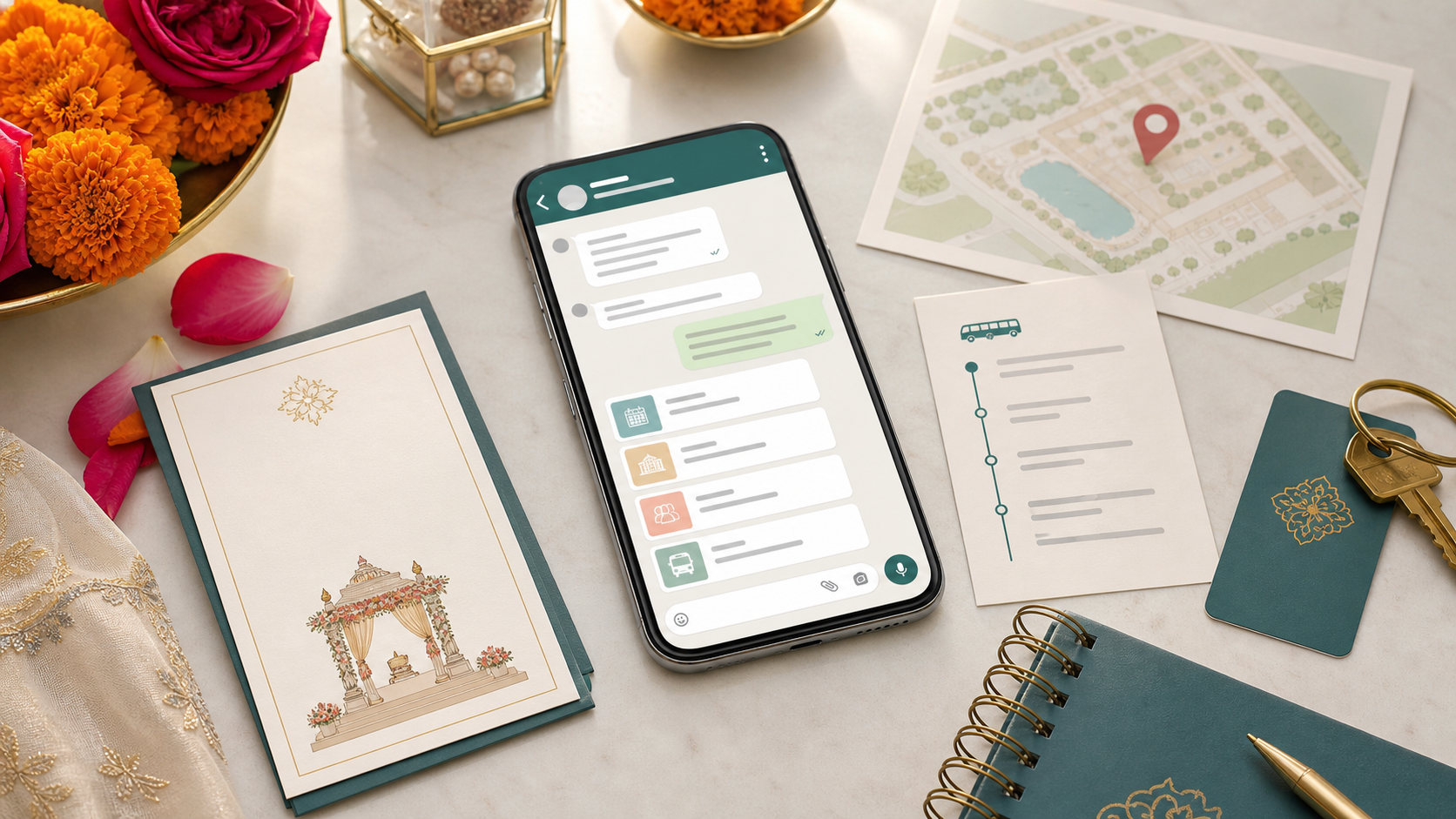
A destination wedding WhatsApp group can either save the wedding week or become the loudest problem in it.
The painful version is familiar: one guest asks about the hotel code, another asks for the haldi dress code, someone forwards an old itinerary screenshot, and three relatives answer with three different timings. The couple is still trying to enjoy the wedding. The family has become a 24-hour helpdesk.
The fast rule: every destination wedding WhatsApp group message should do one job. Announce one update, give one action, link to one official source of truth, and send routine questions to Mandap Chat for destination weddings. If the message tries to be the full itinerary, hotel sheet, dress-code guide, and FAQ at once, guests will miss the part that matters.
What should a destination wedding WhatsApp group message include?
A destination wedding WhatsApp group message should include the couple or family name, wedding city, dates, the specific update, the action guests should take, and one approved link for details or questions. It should be short enough to read on a phone without scrolling.
Use this structure before writing any announcement:
| Part | What to write | Example | | --- | --- | --- | | Context | Which wedding or event this is about | "Update for Riya and Arjun's Jaipur wedding" | | Audience | Who needs to act | "All guests staying at the main hotel" | | Update | What changed or what is needed | "Please confirm your arrival time" | | Action | What guests should do now | "Fill this travel form by Friday" | | Source | Where latest details live | "Itinerary and FAQs: [link]" | | Questions | Where routine questions go | "Ask Mandap Chat here: [link]" |
A destination wedding WhatsApp group message is a short guest announcement that tells invited guests what they need to know, what they need to do next, and where to find the latest wedding details.
That last part matters. WhatsApp is good for alerts. It is bad as the only archive for a multi-day Indian wedding with hotels, shuttles, dress codes, meal preferences, airport pickups, and guest segments.
What is the best first WhatsApp group message for a destination wedding?
The best first message sets the rules calmly: this group is for official guest updates, the wedding website has the latest details, and routine questions should go to the guest concierge instead of flooding the group. It should feel warm, not like a corporate policy memo. If guests are also receiving a printed room note, keep the wording aligned with your destination wedding welcome letter so the WhatsApp group, QR card, and hotel-room information all point to the same source of truth.
Copy this first message:
Welcome to [Name] and [Name]'s wedding guest group.

We are excited to celebrate with you in [city] from [dates]. This group will be used for official guest updates: itinerary reminders, hotel notes, shuttle timings, dress codes, and important changes.

Latest wedding details: [wedding website / itinerary link]
Routine questions: [Mandap Chat link]

Please avoid relying on forwarded screenshots. The link above will stay updated.
For NRI weddings, also set family WhatsApp group rules before guests arrive across time zones. The guest group should broadcast approved details, not replay private family decisions.
For a more family-style tone:
Namaste everyone, and welcome.

With blessings from both families, we are looking forward to celebrating [Name] and [Name]'s wedding with you in [city]. We will share important guest updates here, but the latest itinerary, hotel details, dress codes, and FAQs will stay on this page: [link].

For schedule, venue, transport, or dress-code questions, please ask Mandap Chat here: [link].
Do not start the group with ten screenshots. Send one welcome message, one official link, and one question path.
Which destination wedding updates belong in WhatsApp?
Use WhatsApp for time-sensitive announcements, not for every detail the wedding contains. If a guest may need to act today or this week, WhatsApp is useful. If the detail is stable and long, put it on the wedding website, FAQ, or itinerary page and link to it.
Use this decision table:
| Update type | Send in WhatsApp? | Better home for full details | | --- | --- | --- | | Hotel booking deadline | Yes | Hotel page or room-block note | | Full 3-day itinerary | Link only | Wedding website itinerary | | Shuttle departure reminder | Yes | Shuttle schedule page | | Event dress code | Short reminder | Dress-code guide | | Meal preference form | Yes, before deadline | RSVP or meal form | | Visa, passport, or airline rules | Link to official sources | Travel checklist | | Weather or rain-plan change | Yes | Updated event page | | Family-only rooming detail | No, segment it | Direct message or family group |
For a full guest-facing information hub, use your destination wedding FAQ for guests and wedding weekend itinerary template. The WhatsApp group should point people there, not replace them.
How should you write hotel and travel WhatsApp messages?
Hotel and travel messages should make the booking or arrival decision easy. Guests need the official hotel, room-block deadline, check-in rule, airport pickup plan, travel form, and question link. If there are multiple hotels, segment the message by hotel or guest batch.
Hotel room-block template:
Hotel booking reminder for [Name] and [Name]'s wedding

Main wedding hotel: [hotel name]
Room-block deadline: [date]
Booking link/code: [link/code]
Wedding shuttles will be planned from: [pickup point]

Please book by the deadline so rooms and transport can be finalized.
Hotel and travel FAQ: [link]
Questions: [Mandap Chat link]
Arrival form template:
Travel details needed by [date]

If you are attending the wedding in [city], please share your arrival and departure details here: [form link].

This helps the team plan airport pickups, hotel check-in support, welcome bags, and shuttle timing. If your travel is not booked yet, submit your current plan and update it later.
If you have overseas guests, add official links for immigration and airline requirements instead of giving legal travel advice. Your wedding page can say what the family is arranging; it should not pretend to decide passport, visa, OCI, baggage, medication, or airline rules for guests.
What should the itinerary WhatsApp message say?
An itinerary WhatsApp message should give guests the next event, reporting time, venue or pickup point, dress code, and latest itinerary link. It should not paste the entire weekend schedule every time.
Use this event reminder:
Reminder for [event name] - [day/date]

Guest reporting time: [time]
Venue: [venue name]
Dress code: [dress code]
Transport: [shuttle / self-drive / hotel lobby time]

Latest itinerary: [link]
Questions: [Mandap Chat link]
Use this morning-of version:
Good morning. Today's wedding events:

[Event 1] - [time], [venue], [dress code]
[Event 2] - [time], [venue], [dress code]

Please check the latest itinerary before leaving your room: [link]
For schedule, venue, or transport questions, ask here: [Mandap Chat link]
For a detailed version guests can save, publish the schedule using a wedding itinerary template for Indian wedding guests. WhatsApp should be the reminder layer, not the master schedule.
How do you stop repeat questions in the WhatsApp group?
Stop repeat questions by removing the reason guests ask them. Pin one official message, update the website or FAQ before sending reminders, and route routine questions to Mandap Chat. Then reserve human replies for exceptions that actually need a person.
Use this setup checklist:
- Pin the welcome message with the wedding website and Mandap Chat links.
- Put itinerary, hotel, RSVP, dress code, shuttle, food, and emergency rules on one page or connected pages.
- Use the same wording in the WhatsApp message, website, and printed itinerary card.
- Send event-specific messages instead of long mixed-topic announcements.
- Segment updates by hotel, family side, travel batch, or invitation category when needed.
- Keep one named human contact for urgent exceptions only.
- After every change, update the source page before sending a WhatsApp blast.
WhatsApp's own Help Center explains that users can control who can add them to groups through group privacy settings, and its click-to-chat format lets you create a direct chat link for a phone number. For wedding operations, that means you should not assume every guest wants to be added to a large group, and you should test any direct WhatsApp help link before sending it. Source: WhatsApp Help Center.
Should you use one big group or smaller guest groups?
Use one main group for all-guest announcements and smaller groups or direct messages for details that affect only part of the guest list. A single giant group is convenient for the sender, but it becomes noisy when every room, flight, family side, and RSVP exception lands in the same thread.
Use this split:
| Guest segment | Best channel | Why | | --- | --- | --- | | All invited guests | Main WhatsApp group | Official reminders and changes | | Guests at Hotel A | Hotel-specific broadcast or group | Pickup and breakfast details differ | | Overseas guests | Travel group or direct list | Airport, SIM, currency, arrival support | | Elders and accessibility needs | Direct contact | Needs privacy and human care | | Family/VIP guests | Separate family group | Rooming, protocol, and hosting details | | Vendors and planners | Never guest group | Operational details confuse guests |
The practical test: if a message will make half the group think "does this apply to me?", segment it.
What are the best copy-paste WhatsApp templates?
Use these templates as a starting point. Replace brackets, then cut anything that does not apply to your wedding.
RSVP and guest count
RSVP reminder for [Name] and [Name]'s wedding

We are finalizing meals, seating, rooms, and transport. Please confirm your attendance by [date]: [RSVP link]

If you need schedule, hotel, dress-code, or travel details before replying, ask here: [Mandap Chat link]
Dress code reminder
Dress-code reminder for [event name]

Theme: [theme]
Suggested outfits: [simple guidance]
Footwear note: [heels/flats/grass/temple/indoor note]

Full dress-code guide: [link]
Questions: [Mandap Chat link]
Shuttle reminder
Shuttle reminder for [event name]

Pickup point: [hotel lobby / gate]
Report by: [time]
Vehicle leaves at: [time]
If you miss it: [fallback instruction]

Latest shuttle details: [link]
Weather or rain plan
Weather update for [event name]

Plan: [indoor / covered outdoor / alternate venue]
Guest action: [bring shawl / use Gate 2 / report to lobby]
What stays the same: [timing / dress code / meal / transport]

Latest details: [link]
Questions: [Mandap Chat link]
Final wedding-week reminder
Wedding week reminder

Please check the latest itinerary before travel: [link]
Save the hotel address: [address/map link]
Ask routine questions here: [Mandap Chat link]

For urgent travel delays or elder assistance only, contact [name/number].
If the wedding has many moving parts, pair these with a last-minute wedding update message so every change follows the same format.
How does Mandap Chat fit into the WhatsApp workflow?
Mandap Chat fits as the question layer between the official wedding website and the noisy WhatsApp group. The group broadcasts important updates. The website stores the details. Mandap Chat answers natural guest questions when people cannot find the exact page or do not know what to search for.
Set it up before inviting guests:
- Upload the invitation, itinerary, hotel note, RSVP rules, travel form, shuttle schedule, dress codes, food notes, venue list, and FAQ.
- Ask test questions from different guest types: local family, overseas cousin, elderly guest, plus-one, vegetarian guest, and hotel guest.
- Add the Mandap Chat link to the pinned WhatsApp message and wedding website welcome section.
- Re-test after every schedule, hotel, venue, or shuttle change.
- Keep urgent human support separate from routine guest answers.
Test these questions:
- "What time should I reach for haldi?"
- "Is airport pickup arranged for me?"
- "Which hotel should I book?"
- "Can I attend only the reception?"
- "What should I wear for the temple ceremony?"
- "Where is the shuttle leaving from?"
- "Who do I call if my flight is delayed?"
If Mandap Chat answers those cleanly, the WhatsApp group gets calmer immediately.
The clean WhatsApp system to use
Here is the simplest setup for most Indian destination weddings:
- Build the wedding website or FAQ first.
- Create Mandap Chat from the approved itinerary, hotel, RSVP, shuttle, dress-code, and FAQ details.
- Start one main WhatsApp group with a warm welcome, official link, and question link.
- Pin that first message.
- Send only event-specific or deadline-specific reminders.
- Use smaller segments for hotel, travel, elder, family, and VIP details.
- Update the source page before every group announcement.
That system is not fancy. It works because guests always know where to check, where to ask, and what to do next.
The goal is not fewer messages for the sake of it. The goal is fewer confused messages, fewer duplicate answers, and a wedding week where the people closest to the couple are not trapped inside WhatsApp.
Frequently asked questions
What should a destination wedding WhatsApp group message include?+
When should you create a WhatsApp group for destination wedding guests?+
How do you stop guests from asking repeat questions in a wedding WhatsApp group?+
Should destination wedding updates go in one WhatsApp group or separate groups?+
How does Mandap Chat help with destination wedding WhatsApp groups?+
Continue the series
A practical contract checklist for Indian destination weddings, designed to turn hotel promises into written commitments before the deposit becomes non-refundable.
A destination wedding lost luggage plan gives guests a carry-on backup, a clear airline reporting process, a local essentials kit, and one wedding-team contact who can solve event problems without taking over the airline claim.
A destination wedding flight details form collects one itinerary per traveller, while an arrival manifest turns those responses into pickup assignments, exception alerts, and guest-ready instructions.
A destination wedding hotel check-in message gives each guest the confirmed hotel, arrival window, booking or room-allocation rule, payment responsibility, luggage plan, and escalation contact before they reach reception.
A destination wedding save-the-date should tell guests the city, full wedding window, travel commitment, and where updates will live—without pretending every venue, hotel, or event detail is already final.